Table of Contents
Introduction
QR codes offer a direct path from printed materials to digital offers, and they transform traditional advertising into measurable campaigns. In this guide you will learn how trackable QR codes and QR analytics can boost in-store visits with practical steps, campaign design tactics, and examples that work for brick-and-mortar stores. You will see how to generate QR codes, set up geotargeted QR codes, measure scans, and attribute offline-to-online conversions with OpenMyLink.io. This introduction frames a hands-on approach that keeps results and efficiency front and center, so you can apply the steps to flyers, window decals, in-aisle signs, and local ads.
Plan QR code marketing campaigns for retail
Start by defining a clear objective: increase foot traffic, raise average basket value, or grow loyalty signups. Pick a single target per campaign. For a foot-traffic push, choose an incentive that customers find tangible at visit: limited-time discount, free sample, or priority appointment. Map customer touchpoints where in-store QR codes can appear: storefront windows, point-of-sale receipts, shelf talkers, and local print ads.
Segment audiences by location and behavior. For example, loyal customers receive a higher-value reward via QR code on a loyalty email, while first-time walk-ins see a scan-to-store offer on printed postcards. Trackable QR codes let you compare channels and creative variants. According to a 2023 survey from Statista, global QR code scans increased significantly across retail and advertising channels, which supports investing in QR code marketing. Read more at https://www.statista.com/topics/6420/qr-codes/.
How to generate trackable QR codes with OpenMyLink.io
OpenMyLink.io simplifies QR code generation and analytics for retail teams. Start by preparing the destination for mobile visitors: a mobile-optimized landing page, a coupon landing page, or a loyalty sign-up form. With OpenMyLink.io you can:
- Generate a unique short link per campaign variant.
- Attach UTM parameters for consistent analytics.
- Convert each short link into a QR code that logs every scan.
When you generate QR codes, assign descriptive campaign names and tags. That metadata appears in QR analytics dashboards so you can filter by campaign, creative, or location. For in-store QR codes, set link targets that present a redeemable barcode or a store-check-in form, which staff can validate at checkout.
Optimize in-store QR codes and QR analytics
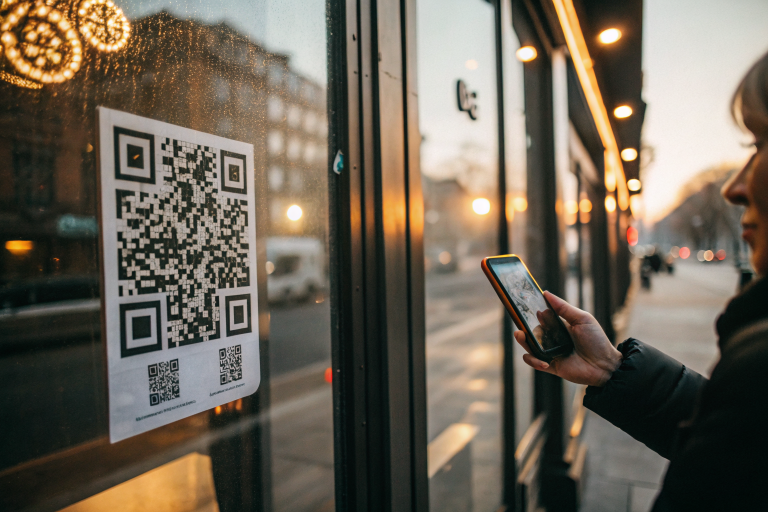
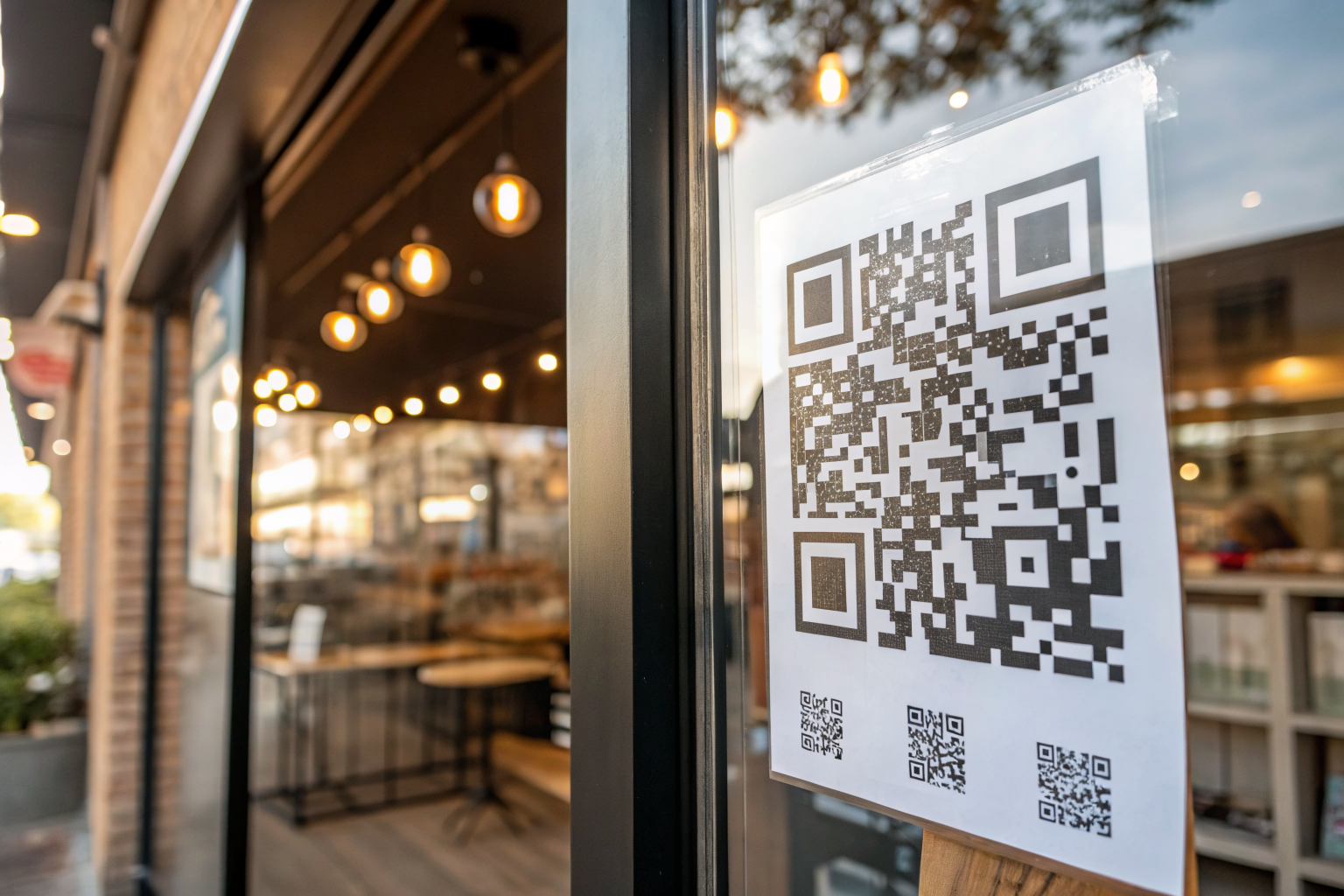
Placement and context matter. For window decals, place QR codes at eye level and pair them with a clear call to action that explains the reward and redemption steps. For shelf tags, keep codes large enough for quick scans from a short distance. Test contrast and quiet zones so camera apps recognize the code first time.
In analytics, monitor these metrics: scans, unique scanners, scan-to-redemption rate, and time between scan and store visit. Use OpenMyLink.io reports to track which campaigns generate the highest scan-to-store conversion. Compare scan timestamps with POS redemptions to attribute offline conversions. If you see high scan volume but low redemptions, check landing page friction: long forms, slow load times, or unclear redemption instructions often cause drop-off.
Geotargeted QR codes and scan-to-store tactics
Geotargeted QR codes increase relevance by delivering offers based on scanner location. With OpenMyLink.io you can set location rules that show different landing pages if the scan occurs within a predefined radius of a store. That approach converts casual interest into store visits with precise incentives.
Consider time-bound geotargets. A morning coffee voucher that activates only between 7:00 and 10:00 can push immediate foot traffic. Track which zones yield the best scan-to-store performance and reallocate print runs to high-performing areas.
Combine geotargets with device targeting. If a QR redirect detects a desktop agent, prompt the visitor to forward the offer to mobile for instant redemption. If the visitor arrives on mobile, present a scannable redemption code that staff can verify.
Step-by-step QR code marketing guide for retail foot traffic
- Define campaign goal and target audience.
- Design mobile-first landing pages with a clear CTA and redemption workflow.
- Generate trackable short links in OpenMyLink.io, add UTM tags, then produce QR codes.
- Assign campaign names, store tags, and geotarget rules within OpenMyLink.io.
- Print QR codes at recommended sizes and test across devices and lighting conditions.
- Launch on multiple offline channels: direct mail, in-store signage, print ads, receipts.
- Monitor QR analytics daily during launch week and adjust offer or placement.
- Reconcile scans with POS redemptions to attribute offline conversions.
Each step reduces friction. For mobile pages keep forms to three fields maximum. For printed codes target a minimum size of 2 x 2 inches for easy scanning from a short distance. Run A/B tests across copy and color contrast to learn which creative triggers the most scans.
Track offline conversions with QR codes and OpenMyLink.io
Attribution requires linking digital signals with in-store behavior. Implement a simple redemption code system: when a QR scanner lands on a mobile coupon, generate a one-time code the cashier can enter at POS. Capture that code in the same analytics spreadsheet you use for OpenMyLink.io reports. Cross-reference timestamps to confirm which scans led to visits.
OpenMyLink.io supports exportable CSV reports and API endpoints for deeper integration with POS and CRM systems. Automate reconciliation by pushing scan events to your backend and matching them to transaction records. Track key performance indicators like incremental visits per print run and cost per incremental visit. Retailers that implement clear attribution often see improved campaign ROI because they reinvest in the highest-performing channels.
Case example and anecdote
A regional coffee chain ran a direct-mail postcard campaign with a trackable QR code linked to a breakfast offer. The chain generated three QR variants with OpenMyLink.io: one for downtown neighborhoods, one for suburban blocks, and one for business districts. Each QR redirected to a landing page showing the local store and a one-time redemption code.
After two weeks analytics showed the downtown variant had the highest scan rate, but the suburban QR had the highest scan-to-redemption rate. The chain shifted future postcard runs to suburban zip codes and increased voucher value for downtown to boost redemption. The result: a 22 percent increase in new customer visits at targeted stores and clearer data to inform printing allocations for the next quarter.
This anecdote highlights how trackable QR codes plus local segmentation turn mailed postcards into measurable store traffic.
FAQs
Q: How large should printed QR codes be for store windows?
A: Aim for at least 2 x 2 inches for short-range scans. For curbside or driver-visible codes increase size and test readability from intended distances.
Q: What metrics should I track in QR analytics?
A: Track scans, unique scanners, scan location, scan timestamp, and conversion actions like coupon redemptions or signups.
Q: Can QR codes expire?
A: Yes. Set expiration on the short link or coupon to control offer redemption windows.
Q: How do geotargeted QR codes affect privacy?
A: Ask for permission when collecting precise location. Store aggregated location data for analytics and minimize collection of personal data to stay compliant with regulations.
Q: Will QR codes work on all smartphones?
A: Most modern smartphones read QR codes via the native camera app. Test across older devices to confirm compatibility.
If you want hands-on support, set up a pilot campaign with OpenMyLink.io to generate trackable QR codes, configure geotargeted rules, and start measuring scans to store redemptions. Try a single-store pilot, evaluate results after two weeks, then scale to more locations. Ready to run your first scan-to-store campaign with trackable QR codes and QR analytics? Sign up at OpenMyLink.io and start generating measurable foot traffic today.
References
- How to Create QR Codes for Marketing Campaigns — https://helpcenter.medmehealth.com/en/articles/6278464-how-to-create-qr-codes-for-marketing-campaigns
- How Brands Use QR Codes to Boost Engagement and Drive Sales — https://www.uschamber.com/co/good-company/launch-pad/qr-codes-customer-engagement-sales
- How To Use QR Codes in Your Marketing Campaigns — https://www.the-qrcode-generator.com/blog/qr-code-in-marketing
- Using QR Codes in Marketing: A Complete Guide — https://theloopmarketing.com/qr-codes-for-marketing/
- QR Code for Marketing Ideas: Best 13 Use Cases and More — https://qrbatch.io/blog/qr-code-for-marketing-ideas/